Step 5
Now the final step, Run SQL Loader utility with the following arguments
$sqlldr user=scott/tiger control=/opt/oracle/orders.ctl log=orders.log
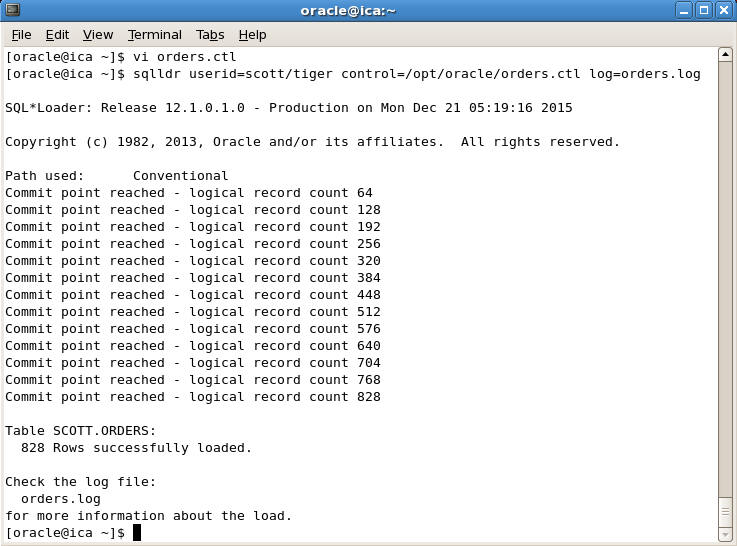
From the output we can see that SQL Loader has successfully loaded all the rows. If any errors are encountered we can find out the exact error by looking up the log file. In our case the log file is "orders.log"
You can view it using any text editor, let us open it in vi editor by typing
$vi orders.log
and you will see the following output

We can now go to SQL Plus and verify that all the rows are imported by giving select statement
SQL> SELECT * FROM orders;

So this is how we can accomplish transferring of data from MySQL or any database whose data can be converted to FLAT files to Oracle using SQL Loader.
There are also many third party tools which make conversion of MySQL to Oracle very easy and convenient. These commercial tools doesn't require you to write any code and they support many other databases also. One such tool is Data Loader from Interface Computers which can be downloaded from here Download Data Loader