Step 5
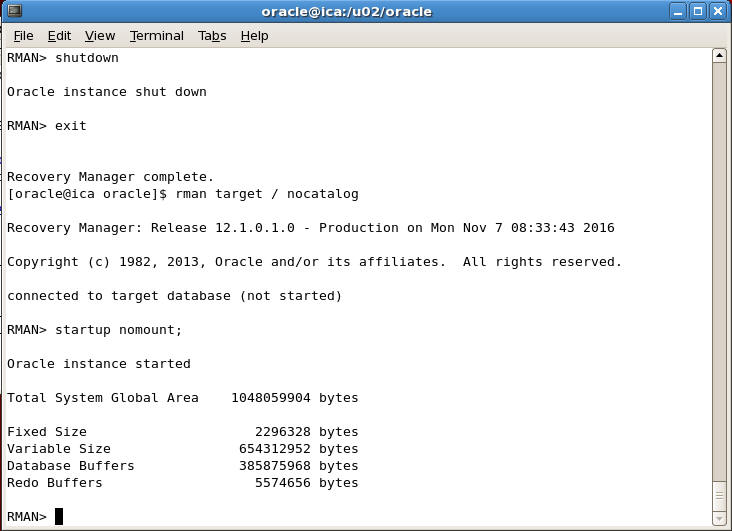
Now shutdown the instance as we have started with the default parameters and restart the instance with the just restored SPFILE
RMAN> shutdown
RMAN> exit
RMAN> startup nomount;
Step 6
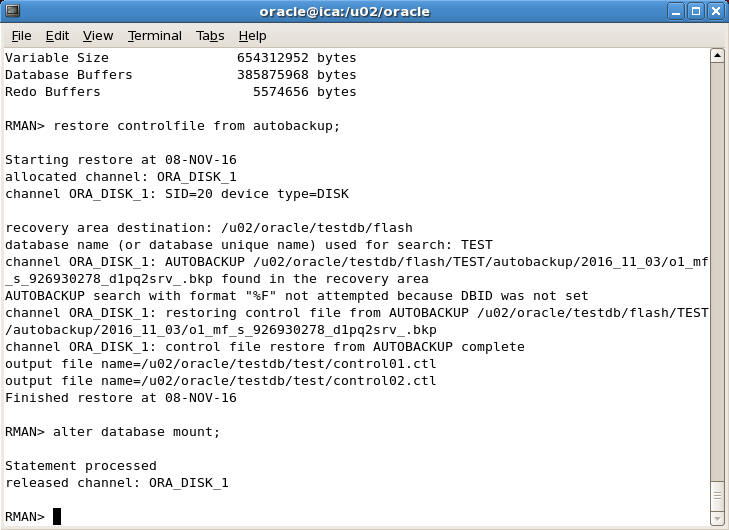
Now restore Control file from autobackup by typing the following command
RMAN> restore controlfile from autobackup;

After restoring the controlfile we can now mount the database. To mount the database, type the following command
RMAN> alter database mount;