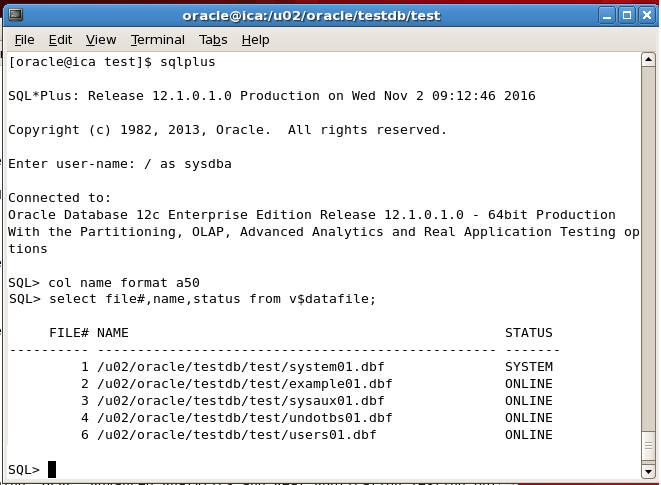
Step 3
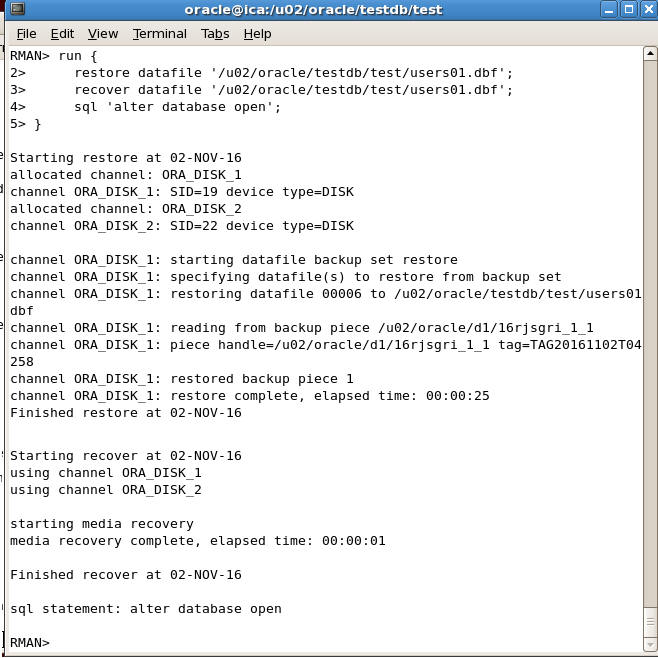
Now type the following script at RMAN prompt to recover the loss datafile
RMAN> run {
restore datafile '/u02/oracle/testdb/test/users01.dbf';
recover datafile '/u02/oracle/testdb/test/users01.dbf';
sql 'alter database open';
}
In the above command
restore datafile ....
Line will restore the datafile. Since we were taking backup using RMAN, RMAN knows about all the backups and it will automatically restores the file from the most recent backup
recover datafile ....
Line will apply transactions from archive files to perform complete recovery
sql 'alter database open';
Line will open the database after recovery.
The output is shown below when we execute the above script
Step 4
We can now go to SQL Plus to check the database is open and we can access the contents of this file