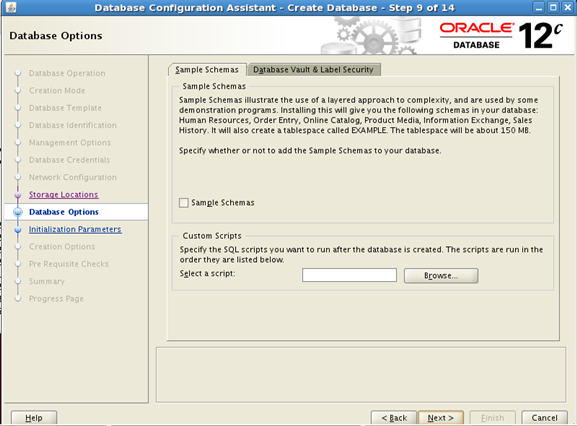
You will be asked whether to install Sample Schemas. If you want it check the “Sample Schemas” checkbox.
Remember installing schemas will create a tablespace by name “Example” and will require another 150M.
Click Next

You will now be asked to enter Memory Size (SGA and PGA).
Adjust the memory size to your requirement and available memory.
It’s better to accept the default memory size.
Here I have allocated 552M for “SGA and PGA”
Select the “Use Automatic Memory Management” option and click next.
Then you will be shown the following screen

Select “Create Database” option and click Next.